
Top Minecraft Bedrock Servers to Join in 2026
Bedrock Edition has a built-in server browser — no IP addresses, no port forwarding, no third-party launchers. You open the game, tap "Servers," and pick from a list of featured servers that Mojang has vetted and approved. It's the easiest multiplayer experience in Minecraft, and it works across every platform: PC, Xbox, PlayStation, Switch, iOS, and Android.
There are 11 featured servers listed in the Bedrock server browser, with 2,063 total content entries in our catalog. These aren't random community servers — each one has been through Mojang's partner program and meets specific quality and safety standards. That doesn't mean they're all equally good, though. Player ratings tell a clearer story than marketing does.
This guide covers the most popular featured servers based on real player data — actual ratings and review counts from our Marketplace catalog. We'll show you what each server offers, what the community thinks, and how to join on any platform.
How Bedrock Servers Actually Work
Before the server list — some context that most guides skip. Bedrock's server system is fundamentally different from Java's.
Featured servers appear in the game's built-in server tab. These are partnered with Mojang and work on every platform, including consoles. You don't need to type anything — just select and join. Each featured server runs multiple game modes (survival, mini-games, creative builds, etc.), and they often publish their modes as catalog items so you can preview what's available.
Custom servers are a different story. On PC and mobile, you can add any Bedrock server by IP address — the same way Java servers work. Console players (Xbox, PlayStation, Switch) are officially limited to featured servers only. There are workarounds involving DNS redirection, but they're unsupported and can break with updates.
One important distinction from Java: Bedrock servers use the add-on system rather than plugins. Server-side behavior packs and resource packs download automatically when you join — no manual installation. This is a genuine convenience, but it also means Bedrock servers can't match the complexity of Java's plugin ecosystem (Spigot, Paper, Fabric server-side).
For a community-maintained list of Bedrock servers beyond the featured ones, check MinecraftPocket-Servers and Minecraft.buzz.
The Top Featured Servers — Real Data, Honest Takes
Here are the most popular featured Bedrock servers, ranked by total player ratings. Each entry includes real screenshots, actual ratings from our catalog, and a straight assessment of what the server does well and where it falls short.
The Hive
4.64/5 average rating · 477,846 total reviews · 379 catalog entries
Free Hive 1 Hour XP Boost
by The Hive · 4.6/5 (84,888 ratings) · Free
Gain access to The Hive in-game unlocks faster with this FREE 1 hour 50%% XP Boost! + One-time free offer + Stacks on top of Hive+ and other XP boosts + Boosts XP on ALL Hive Games + Un...
Other popular content from The Hive:
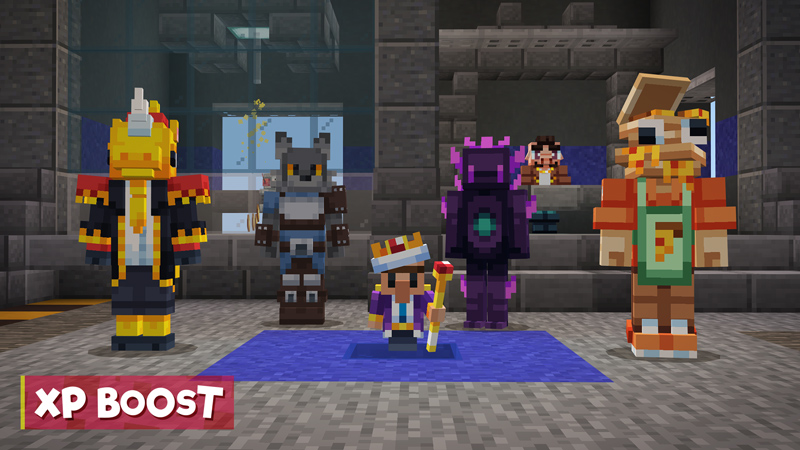
Hive+ Rank
by The Hive · 4.7/5 (48,103 ratings) · 1,690 Minecoins
Get instant lifetime access to 50%% XP boost, unique cosmetics, increased custom server limits, and much more! Included: + 50%% XP boost in ALL GAMES + Hive+ exclusive costume, hub titles, and...
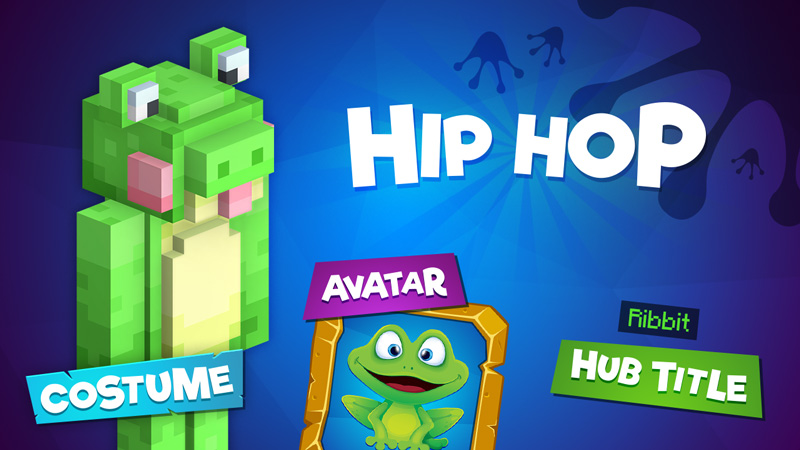
Hip Hop Costume
by The Hive · 4.3/5 (46,089 ratings) · Free
It’s time to jump for joy with this FREE costume! Features: + Custom 3D geometry that makes you stand out from the crowd! + Works in hubs and games + Includes "Ribbit" hub title + Includes "Cute F...
Lifeboat
4.39/5 average rating · 454,671 total reviews · 72 catalog entries
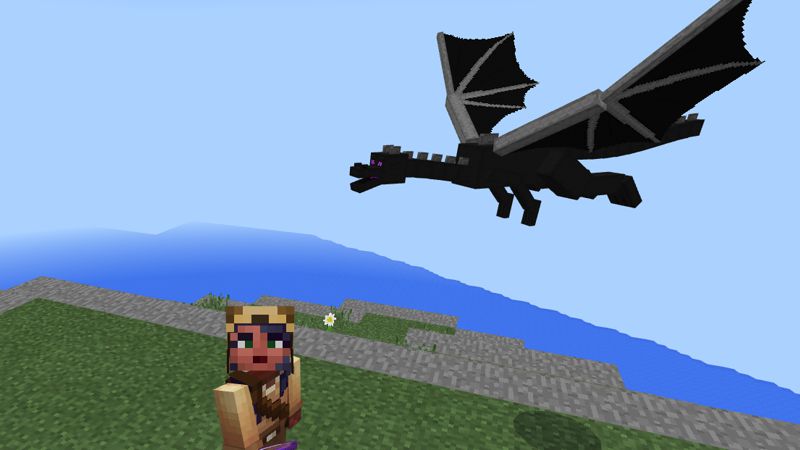
Mini Ender Dragon Pet
by Lifeboat · 4.8/5 (85,231 ratings) · 1,340 Minecoins
Marvel at the splendour of this magnificent creature as it hovers near you. To think that it can be tamed for mere Minecraft Coins! Lifetime, applies to all games.
Other popular content from Lifeboat:
![UberVIP [30 Day] screenshot](https://xforgeassets001.xboxlive.com/pf-namespace-b63a0803d3653643/32dd10bb-30ad-4fc1-90fc-a98bf684e45b/diamond_screenshot0.jpg)
UberVIP [30 Day]
by Lifeboat · 4.5/5 (56,894 ratings) · 830 Minecoins
Get the whole thing! UberVIPs gain access to all premium content including VIP-only areas, Prisons, and more. UberVIPs also get: - Exclusive pets - Rideable mounts - Fly in the lobby - VIP ch...
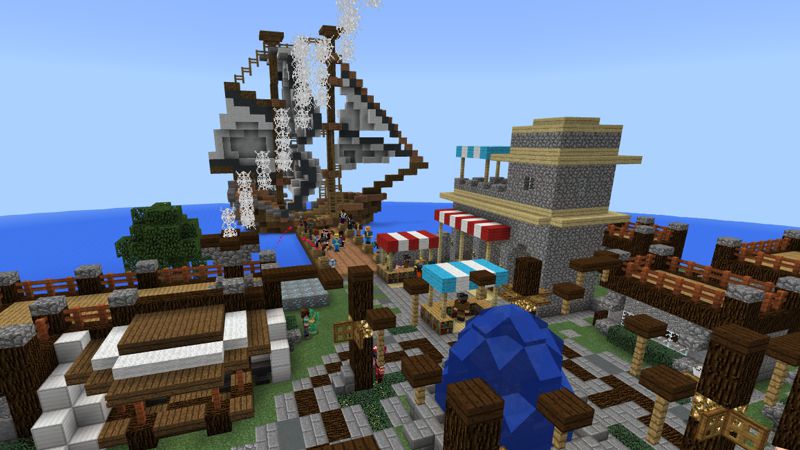
Prison Pass
by Lifeboat · 4.5/5 (54,181 ratings) · 660 Minecoins
Your ticket to unlimited play on this fun economy game. Mine, sell, upgrade, buy plots, and PvP.
InPvP
4.09/5 average rating · 307,365 total reviews · 525 catalog entries
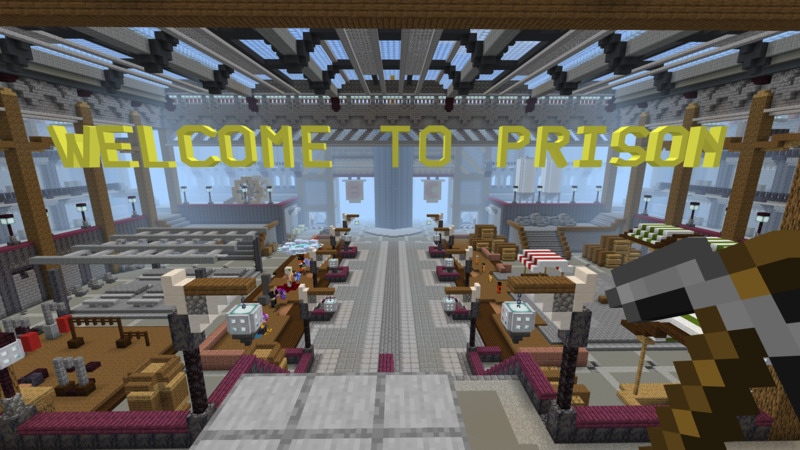
Prison Pass
by InPvP · 4.4/5 (76,123 ratings) · 830 Minecoins
Welcome to Mineville Prison! Enter and mine your way to become the next Prison Kingpin! Take on these crazy mines to gather resources, sell them and then buy your way to the next mine! Each mine yo...
Other popular content from InPvP:
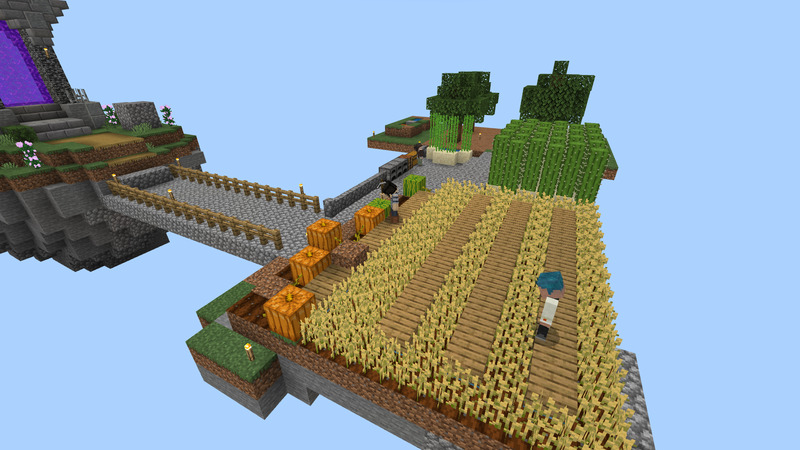
Skyblock Pass+
by InPvP · 4.5/5 (24,134 ratings) · 830 Minecoins
That's right! Skyblock is here! Create your own island and create your own masterpiece in the sky! Join other players in the community area and buy and sell items to get $kybucks. Constantly expand...
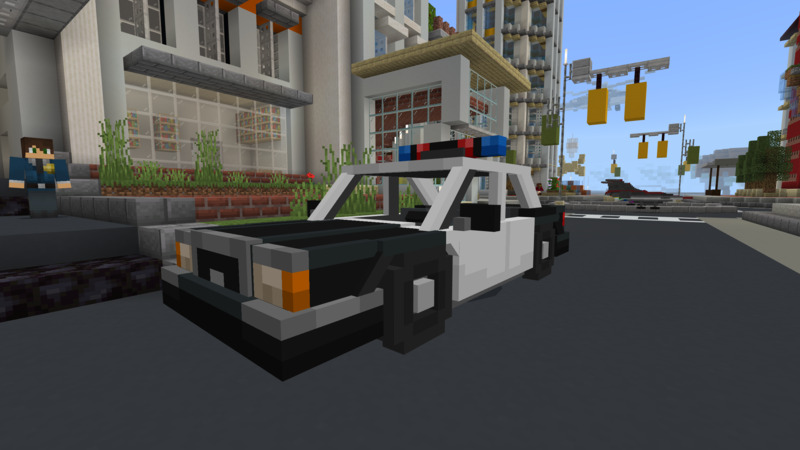
Police Rank
by InPvP · 4.8/5 (17,305 ratings) · 2,550 Minecoins
Get your Police rank, exclusive Police Costume, driveable Police Car, special chat color in Mineville City. Gives different color variations of the Police Costume.
Mineplex
4.62/5 average rating · 233,889 total reviews · 92 catalog entries
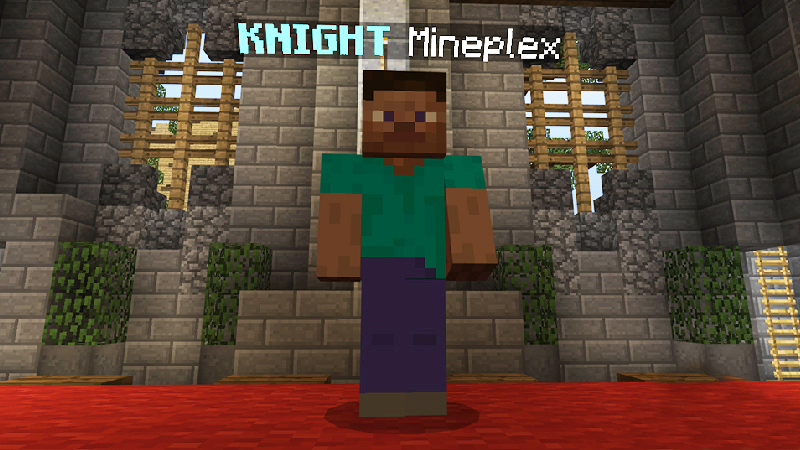
Knight Rank
by Mineplex · 4.8/5 (41,831 ratings) · 830 Minecoins
Become a KNIGHT and stand out from the crowd! Includes: KNIGHT prefix, a monthly Royal Crate, Bigger Party Size, Exclusive Knight Cosmetics, Knight Aura, Pillars of Defense, & more!
Other popular content from Mineplex:
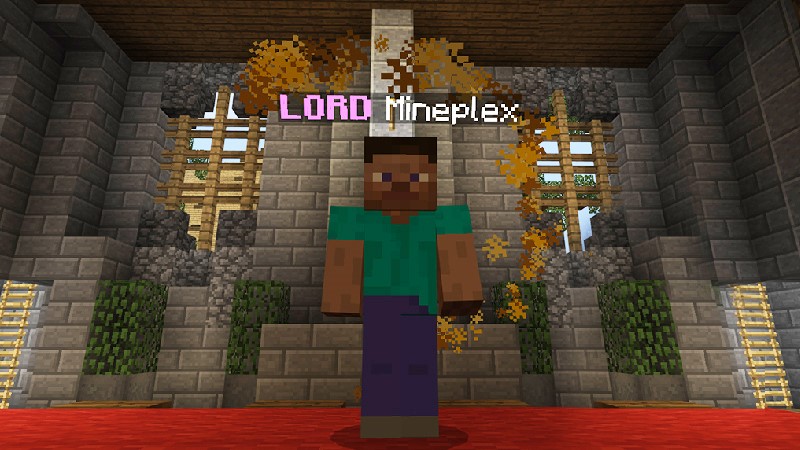
Lord Rank
by Mineplex · 4.8/5 (37,780 ratings) · 1,690 Minecoins
Become a LORD and rule every lobby you visit! Includes: Lord prefix, 3 Monthly Royal Crates, 100%% Shard Bonus, Increased party size to 12, Warrior Pet, Golden Cascade Particles, Royal Costume, & m...
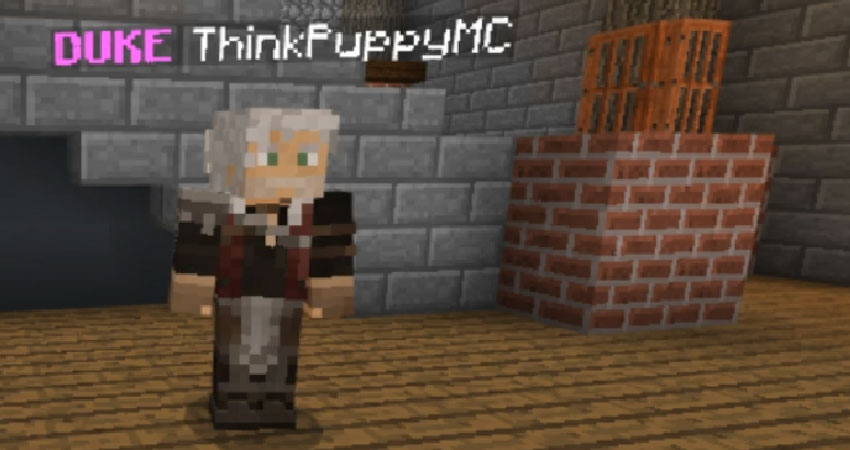
Duke Rank
by Mineplex · 4.8/5 (18,805 ratings) · 3,480 Minecoins
Dukes are the highest nobility on Mineplex! Includes: Duke prefix, 5 Monthly Royal Crates, 150% Shard Bonus, 15 Player Party Size, 150 Friends List Limit, 10 EXCLUSIVE particles, costumes and morphs!
Galaxite
4.61/5 average rating · 61,839 total reviews · 319 catalog entries
Purchase Fixer
by Galaxite · 4.5/5 (18,019 ratings) · Free
Purchase this product to attempt to fix any previous purchases.
Enchanted
4.39/5 average rating · 60,554 total reviews · 224 catalog entries
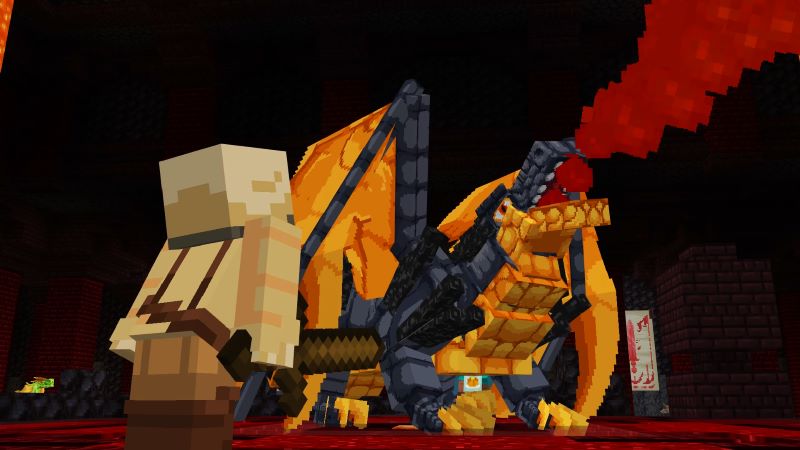
Dragons Pass
by Enchanted · 4.7/5 (33,396 ratings) · 4,280 Minecoins
A magical Dragons Pass that'll grant access to Dragons game mode! ! Not all features are available, but more will be added over time for everyone with the Dragons Pass * Reduced price during Ea...
Other popular content from Enchanted:
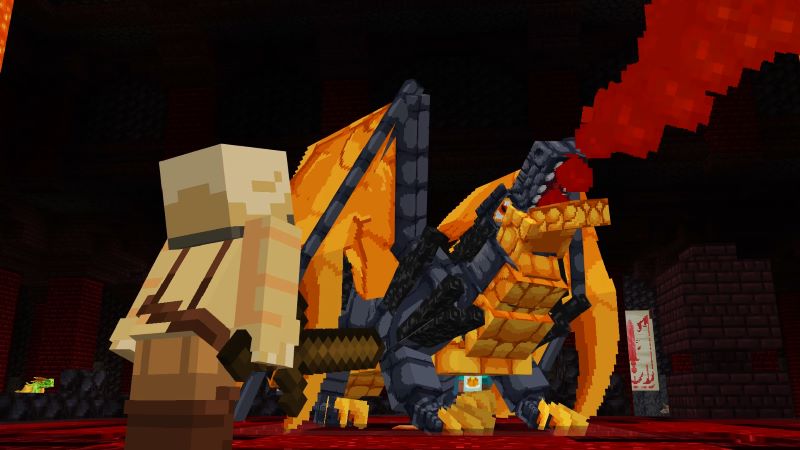
VIP Dragons Pass
by Enchanted · 4.7/5 (15,133 ratings) · 4,280 Minecoins
A VIP Dragons Pass that'll grant access to our Dragons game mode and extra Dragon partners! ! Not all features are available, but more will be added over time for everyone with the Dragons Pass ...
How to Join Servers on Every Platform
The process is nearly identical everywhere, but there are a few platform-specific details worth knowing.
PC (Windows)
Open Minecraft, go to the "Play" tab, then "Servers." Featured servers appear at the top. Scroll down and you'll see "Additional Servers" where you can add custom servers by address and port. No setup beyond that — Bedrock handles everything through Xbox Live authentication.
Xbox / PlayStation / Nintendo Switch
Same path: Play → Servers. You'll see the featured server list. Console players can only join featured servers through the official UI. Custom server support isn't available on consoles through normal means. This is Bedrock's biggest multiplayer limitation compared to Java, where any platform can join any server.
iOS / Android (Mobile)
Play → Servers. Featured servers show up first. Like PC, you can also add custom servers by IP address at the bottom of the server list. Mobile performance varies by device, but the featured servers are optimized for lower-spec hardware — they have to be, given the player base.
One universal requirement: you need a Microsoft/Xbox Live account to join any server, even on PlayStation or Switch. This is free and handles authentication and parental controls across all platforms.
What to Expect as a New Player
A few things that aren't obvious until you've spent time on Bedrock servers:
- Auto-downloading resource packs. When you join a server, it may download custom textures and behavior packs. This happens automatically — accept the download prompt and wait. First joins can take a minute or two depending on the server's custom content size.
- In-game stores. Most featured servers have their own economies and cosmetic shops. Some are free-to-play friendly, others lean heavily on microtransactions. Check the server's monetization before investing time.
- Moderation varies. Featured servers are required to have moderation, but quality differs. Servers with larger player bases tend to have better moderation systems and faster response times for reports.
- Game modes rotate. Servers regularly add and remove game modes. A mini-game you loved last month might be seasonal or limited-time. The catalog entries on MinecraftPal show what content each server has published, which gives you an idea of their active modes.
- Performance depends on region. Featured servers have multiple regions, but you may experience higher latency than local community servers. Bedrock doesn't show ping by default — if lag is an issue, try different servers or times of day.
Browsing Servers on MinecraftPal
Our server directory lists every featured Bedrock server with their catalog content, average ratings, and direct links to their Marketplace entries. You can see how many items each server has published, which is a decent proxy for how actively they're developing new content and game modes.
Each server's page on MinecraftPal shows all their catalog entries — skins, worlds, and content packs — along with player ratings. It's a useful way to preview what a server offers before committing to the download and account setup.
For the broader Bedrock server community beyond featured servers, PC Gamer's server list covers some popular options, and MinecraftPocket-Servers and Minecraft.buzz maintain community-curated directories.
The Bottom Line
Bedrock's featured server list won't satisfy players who want the depth and variety of Java's server ecosystem — that's thousands of independently-run servers with custom plugins, complex economies, and niche game modes. But for players who want reliable, cross-platform multiplayer that works on every device without any technical setup, the featured servers deliver exactly that.
The best approach: start with the highest-rated servers from our list above, try a few game modes, and see what sticks. Every featured server is free to join — you're only paying if you choose to buy cosmetics or premium content within the server. And if you're looking for more Minecraft content to enhance your experience, browse the full Marketplace catalog on MinecraftPal, check out our article library for more guides, or explore content by creator and tag.
Related Articles
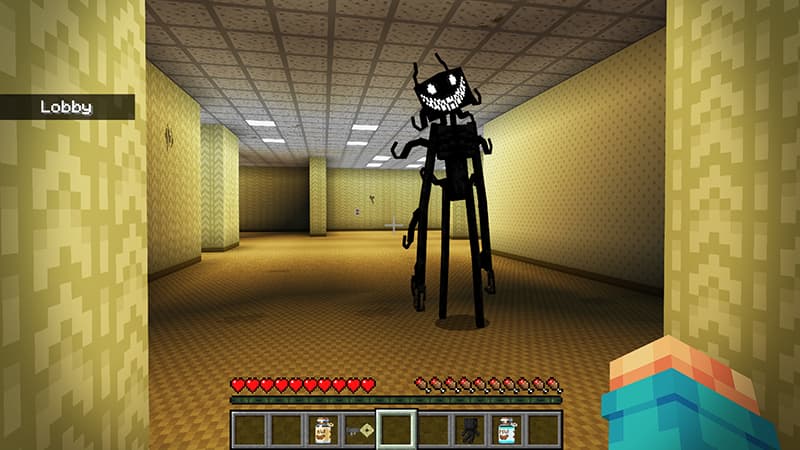
Best Minecraft Horror Maps on the Marketplace
Looking for a good scare in Minecraft? We ranked the best horror maps and add-ons on the Bedrock Marketplace by real player engagement — from Backrooms mazes to haunted houses and terrifying mob add-ons. Play with the lights off.
Jul 20, 2026
Best Free Minecraft Marketplace Packs Worth Downloading
You don't have to spend a single Minecoin to get great Minecraft content. We rounded up the best free packs on the Bedrock Marketplace — top-rated add-ons, worlds, and skin packs — all backed by real player ratings from the full catalog.
Jul 20, 2026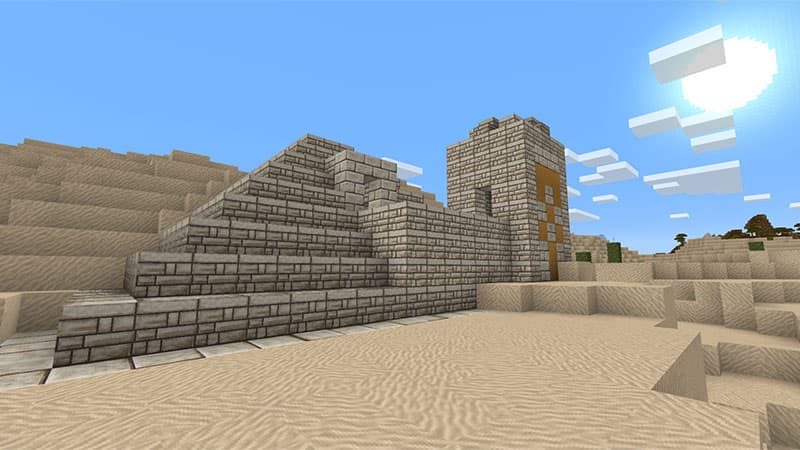
The Most Popular Minecraft Marketplace Packs of All Time
Which Minecraft Marketplace packs have players actually bought and rated the most? We ranked the entire catalog by community engagement to find the all-time greats — the worlds, add-ons, and skins that defined Bedrock. A surprising number of them are free.
Jul 20, 2026
Best Packs for Survival Players
The best Minecraft Marketplace packs for survival players — world templates with unique biomes and challenges, resource packs that make survival look better, and behavior packs that add new mobs, tools, and mechanics. Real ratings and screenshots from the full catalog.
Feb 26, 2026