Best Texture Packs & Shaders for Minecraft Bedrock Edition
Vanilla Minecraft looks fine. But after a few hundred hours, those default textures start feeling flat. Resource packs and texture packs are the fastest way to make Bedrock Edition look meaningfully different — new block textures, updated item sprites, reworked lighting, custom skies, and sometimes entirely new visual identities for the game.
The Minecraft Marketplace has 1,242 resource packs available right now, ranging from subtle PBR upgrades to cartoon overhauls that make the game look like a completely different title. There are also 34 special resource pack treatments and a pile of shader-style packs that push Bedrock's rendering as far as it'll go. This guide covers the best options, what to actually expect from Bedrock shaders (spoiler: they're not Java shaders), and where to find quality free alternatives.
What Texture Packs and Resource Packs Actually Do
First, the naming confusion. "Texture pack" is a legacy term from before Minecraft 1.6 — back when you could only swap out textures. "Resource packs" replaced texture packs and can change much more: block and item textures, entity models, sounds, music, particles, fonts, UI elements, and even loading screen tips. On the Marketplace, everything is listed as a resource pack, but people still say "texture pack" interchangeably. Same thing.
What a resource pack can change on Bedrock:
- Block and item textures (the visual appearance of every block and item)
- Entity textures and models (how mobs, players, and items look in-world)
- Sounds and music (replace the soundtrack, add custom sound effects)
- UI elements (inventory screens, buttons, HUD layout)
- Particles and weather effects
- Sky and fog appearance
What it can't change: gameplay mechanics, crafting recipes, mob behavior, or world generation. For that, you need behavior packs (add-ons). Resource packs are purely cosmetic — they change how things look and sound, not how they work.
Best Resource Packs on the Marketplace
These are the highest-rated resource packs with enough reviews to be meaningful. A pack with 5.0 stars from 12 people means nothing. A pack with 4.5+ stars from thousands of players has genuinely earned that rating. Browse the full selection on MinecraftPal's resource pack filter.
Average Marketplace resource pack price: 769 Minecoins (there are also 25 free options). The price doesn't always correlate with quality — some of the best-rated packs are surprisingly affordable, and some expensive ones are mediocre.
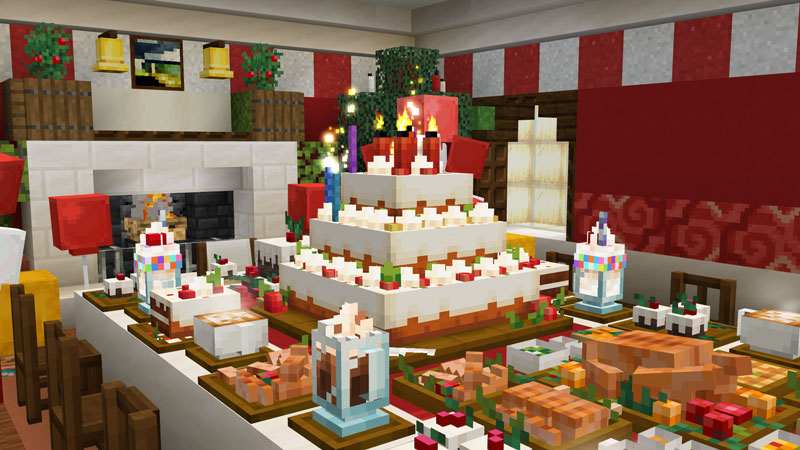
Celebration Food Add-On
by Overtales Studio · 4.9/5 (2,202 ratings) · 660 Minecoins
Are you throwing a party for friends or celebrating something special? This Add-On pack is for you! Let's create something memorable with a selection of foods, desserts, drinks, and much more. Thi...
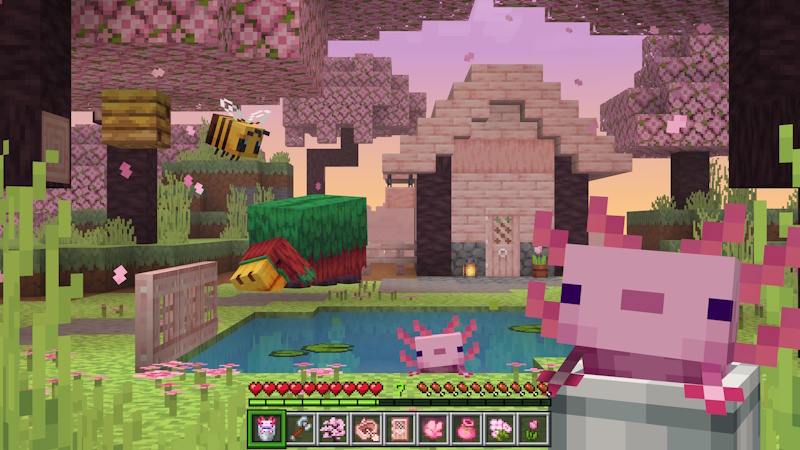
Actions & Stuff 1.9.1
by Oreville Studios · 4.9/5 (119,310 ratings) · 1,690 Minecoins
The Animation Pack You Didn't Know You Needed: Bring your world to life with new animations, particles, textures, and more! - Player Animations (1st & 3rd Person) - New & Improved Mob Animation...
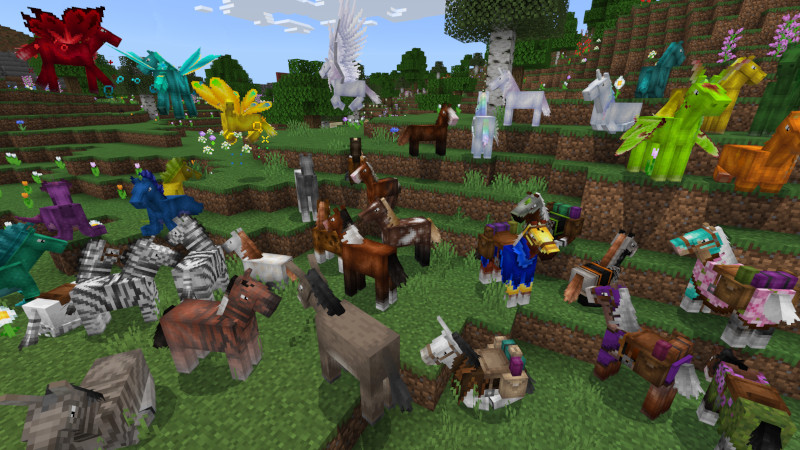
1,000,000 Horses!
by Cynosia · 4.8/5 (4,407 ratings) · 490 Minecoins
This Add-On adds upgraded horses, giving them new mechanics, animations, and 1,319,472 variations! Fill your world with horses, kelpies, alicorns and more! - Find or breed 25 new creatures! - O...
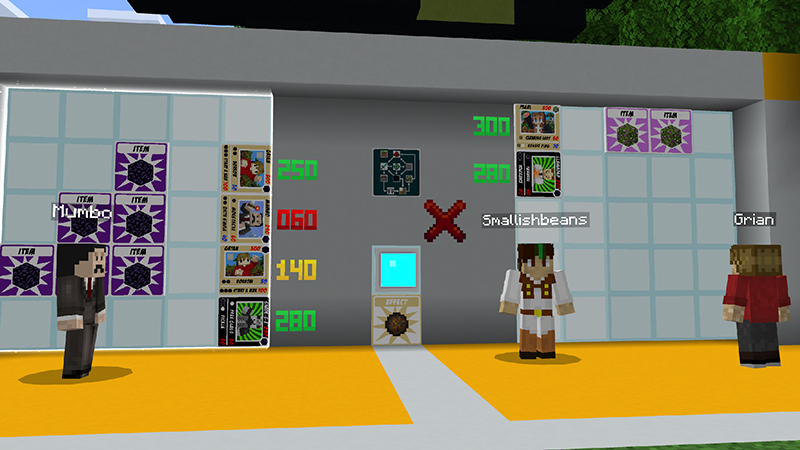
Hermitcraft TCG Add-On
by Hermitcraft · 4.8/5 (189 ratings) · 660 Minecoins
Bring the Hermitcraft Trading Card Game to your own worlds with this Add-On! + All Hermitcraft members in your own world, with custom voice over work! + Build your own decks and challenge frien...
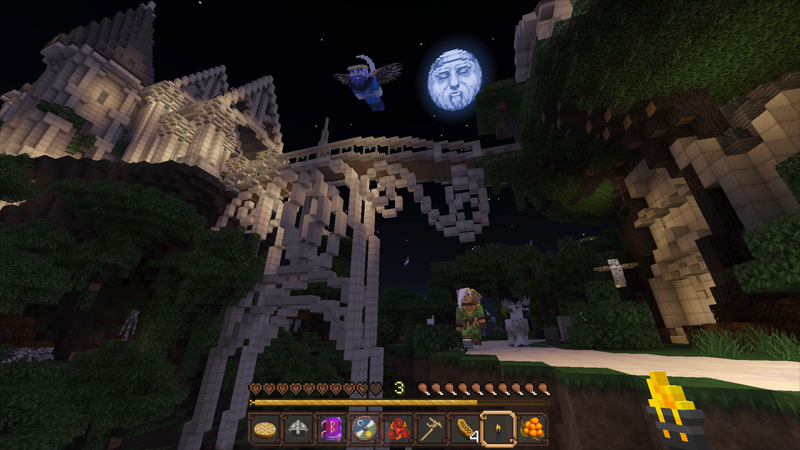
Norse Mythology Mash-Up
by Minecraft · 4.8/5 (24,377 ratings) · 990 Minecoins
Are you heroic enough to enter the Great Hall, Valhalla? Find out in the Norse Mythology Mash-up! Compose your own grand saga as you voyage through the 9 realms, from the treetops of Yggdrasil, dow...
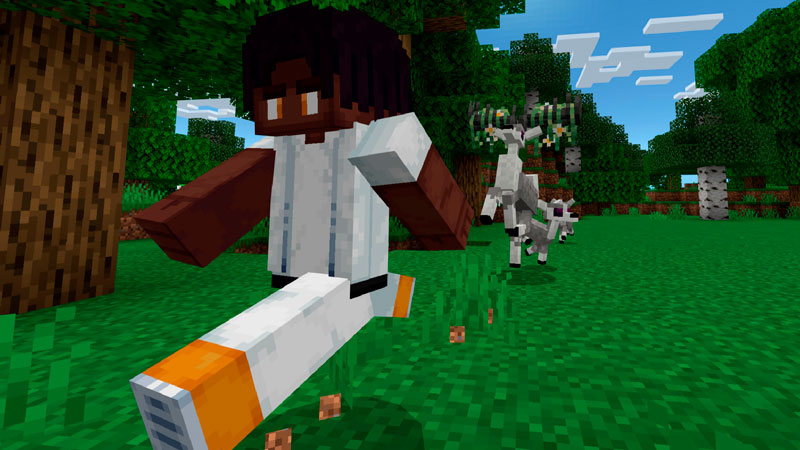
Biome Pets 1.3 Add-On
by Logdotzip · 4.8/5 (5,395 ratings) · 1,170 Minecoins
Visit the many biomes to discover these amazing, cute, or deadly creatures. Collect XP, level up, and upgrade their stats. Evolve your pets into new stages, unlocking incredible abilities. You can ...
Shaders on Bedrock — What's Actually Possible
Let's set expectations correctly. If you've seen screenshots of Java Edition running SEUS Renewed or Complementary Shaders — dramatic ray-traced lighting, volumetric fog, realistic water reflections — that level of visual transformation is not available on Bedrock. Java shaders modify the rendering pipeline through OptiFine or Iris. Bedrock uses the Render Dragon engine, which is significantly more locked down.
What Bedrock "shader" packs actually offer:
- Enhanced lighting and shadows — smoother light gradients, basic shadow effects
- Water improvements — reflective surfaces, transparency tweaks, animated water
- Sky and atmosphere — custom skyboxes, improved fog, sun/moon changes
- Tone mapping — color grading that makes the game look warmer, cooler, or more cinematic
What they can't do (yet):
- True ray tracing (RTX is separate and Windows-only)
- Volumetric lighting/fog like Java shaders
- Complex post-processing chains
- PBR material rendering (normal maps, specular maps) beyond basic implementation
That said, a good Bedrock shader pack can still meaningfully improve the game's look, especially on mobile where the default rendering is particularly basic. Just don't expect Java-quality results.
Visual Style Guide — Finding Your Look
Resource packs aren't one-size-fits-all. What looks great to one player is garish to another. Here's how the major visual styles break down, with real Marketplace examples in each category.
Faithful / Enhanced Vanilla
These packs keep Minecraft looking like Minecraft, just cleaner. Higher resolution textures (32x or 64x instead of the default 16x), fixed visual inconsistencies, and subtle improvements. Best for players who like the game's look but want it polished. The tradeoff: higher-resolution textures mean larger file sizes and more GPU/memory pressure, especially on mobile.
Cartoon / Stylized
Brighter colors, rounded shapes, exaggerated features. These turn Minecraft into something that looks more like a Pixar movie. Popular with younger players and content creators who want a distinctive visual brand. The downside: they can make it harder to distinguish similar blocks in survival mode when the textures prioritize style over clarity.
Realistic / PBR
High-resolution textures designed to make blocks look like real materials — rough stone, grainy wood, reflective metal. These push Bedrock's renderer hard and typically need a capable device. On a phone, you'll get slideshow framerates. On a decent PC or current-gen console, they can look impressive.
Medieval / Fantasy / Themed
Textures redesigned around a specific aesthetic — medieval stonework, fantasy RPG, sci-fi, horror. These work best with matching world templates or specific build styles. Using a medieval texture pack on a modern city build looks weird; using it on a castle build looks great.
Here are popular themed and texture packs on the Marketplace:
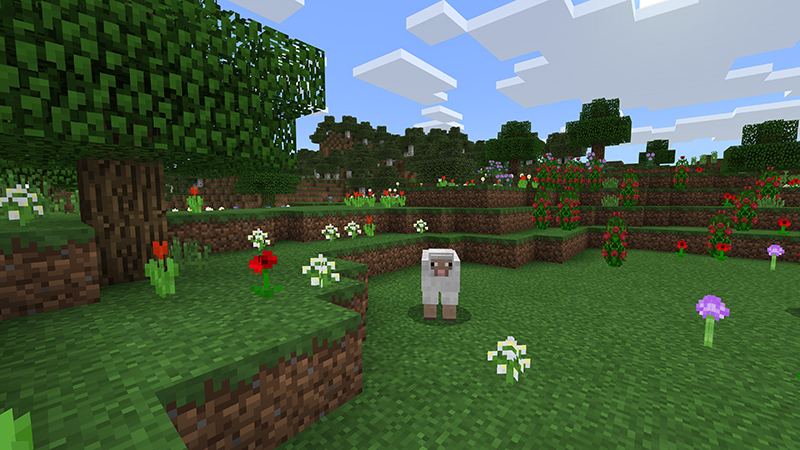
Minecraft Classic Texture Pack
by Minecraft · 4.6/5 (962,457 ratings) · Free
The classic Minecraft look you know and love! We recently updated the game with new and stylish textures, but if you prefer more of a retro flavor to your Minecraft, this is the pack for you! Why n...
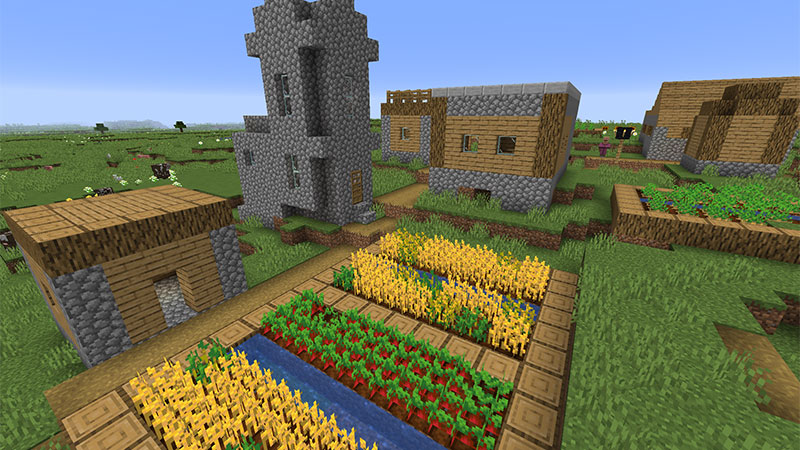
Minecraft Texture Update Beta
by Minecraft · 4.5/5 (884,358 ratings) · Free
The extraordinary Minecraft Texture Update has been on the Java Edition in beta for quite a while and now It’s finally on Bedrock! We’re renovating the old textures of Minecraft and polishing them ...

Natural Texture Pack
by Minecraft · 4.3/5 (881,182 ratings) · 490 Minecoins
Designed to give your Minecraft worlds a more natural look.

City Texture Pack
by Minecraft · 4.3/5 (152,609 ratings) · 490 Minecoins
Free your inner architect and shape the world around you.
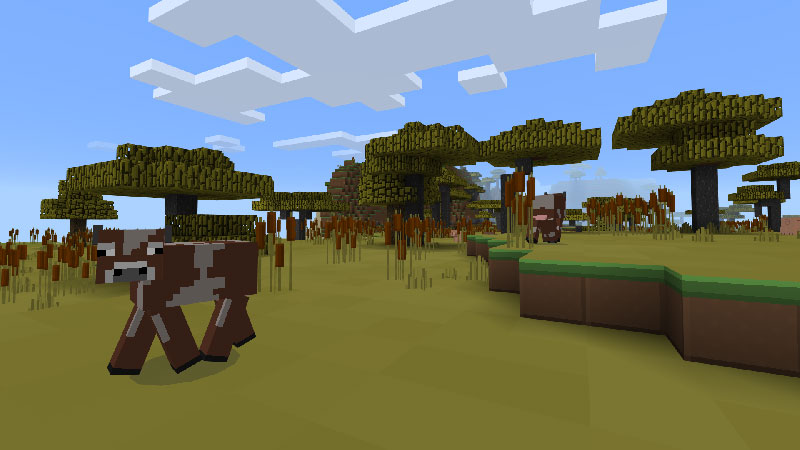
Plastic Texture Pack
by Minecraft · 4.3/5 (133,467 ratings) · 490 Minecoins
Make your worlds simple, colorful and vibrant!
Performance Impact — The Honest Truth
Every resource pack affects performance to some degree, and pretending otherwise is dishonest. Here's what actually matters:
Texture resolution is the biggest factor. Default Minecraft runs at 16x16 pixels per block face. A 32x pack quadruples the pixel count. A 64x pack is 16 times the data. A 128x pack (rare on Bedrock) is 64 times the data per texture. Your device has to load, store, and render all of that.
Platform reality check:
- Mobile (iOS/Android): Stick to 16x or 32x packs. Anything higher will cause frame drops, longer load times, and potential crashes on older devices. Even good phones struggle with 64x.
- Nintendo Switch: Similar to mobile — 32x is usually the safe ceiling. The Switch's limited RAM is the bottleneck.
- Xbox/PlayStation: Can handle 64x comfortably, 128x with some compromises. Current-gen consoles have the GPU headroom but can still hit memory limits with very large packs.
- Windows PC: Anything goes, within reason. A mid-range PC handles 128x without breaking a sweat. This is also the only Bedrock platform with RTX ray tracing support (with compatible hardware).
How to check before buying: Read the Marketplace reviews with a platform filter in mind. If the most recent reviews mention lag or crashes, check what device those reviewers are on. A pack that runs perfectly on Xbox might be unplayable on a phone. Unfortunately, the Marketplace doesn't let you filter reviews by platform, so you have to read through them.
A practical tip: if you're on mobile or Switch, search for packs that specifically advertise compatibility with your platform. Creators who test on low-end hardware usually mention it in the description. If the description only mentions PC, that's a yellow flag for console and mobile players.
Resource Pack Treatments
You might notice some items on the Marketplace categorized differently from standard resource packs. "Resource Pack Treatments" are a special content category — typically smaller, more focused visual modifications. Think of them as texture pack "mini-packs" that change a specific aspect of the game's appearance rather than overhauling everything.
These tend to be cheaper than full resource packs and can be a good way to tweak your game's look without committing to a complete visual overhaul. Some focus on specific blocks, others on UI changes, and some on environmental effects.
Where to Find Free Texture Packs and Shaders
The Marketplace has 25 free resource packs, which is a decent starting point. But the real treasure trove of free Bedrock texture packs lives outside the Marketplace. Here's where to look:
MCPEDL — The largest repository of free Bedrock content. Thousands of texture packs and shaders, community-rated, with screenshots and version compatibility info. Quality varies wildly, but the top-rated packs are genuinely good. This is where most of the serious Bedrock shader development happens.
CurseForge Bedrock — More curated than MCPEDL, fewer total options but a higher quality floor. Good for finding packs that are actively maintained.
The official resource pack loading tutorial on the Minecraft Wiki walks you through installing downloaded packs on every platform. The process is different from Marketplace content — you're manually placing files — but it's not complicated on PC or Android.
The safety warning: Stick to known sites. "Free Minecraft shaders" is a search query that leads to a lot of garbage — ad-farm sites, repackaged stolen content, and occasionally actual malware. If a site asks you to disable your antivirus, run an .exe, or complete five surveys to download a resource pack, close the tab.
For a deeper comparison of Marketplace vs free content, check out our guide on mods vs add-ons.
A Note on RTX Ray Tracing
Bedrock Edition on Windows 10/11 supports NVIDIA RTX ray tracing — and it looks spectacular. Real-time path-traced lighting, physically accurate reflections, global illumination, and emissive lighting that actually lights up the environment. It's the best Minecraft has ever looked on any platform.
The catch: you need an NVIDIA RTX GPU (2000-series or newer), it only works on Windows Bedrock Edition, and you need a resource pack with PBR textures designed for RTX. The Marketplace has several RTX-compatible packs, and NVIDIA maintains a list of free RTX worlds to try.
RTX is worth mentioning because it represents what's possible when Bedrock's renderer isn't constrained. But for the 90% of players on console, mobile, or non-RTX PCs, the standard resource packs and shader-style packs covered above are your actual options.
Picking the Right Pack for You
Resource packs are the lowest-risk way to change your Minecraft experience. They don't affect gameplay, they don't break saves, and you can swap them out anytime. Start with a well-reviewed pack that matches your platform's capabilities, see if you like the new look, and go from there.
Browse the full library on MinecraftPal's resource pack page — you can sort by rating and price to find the best options fast. Check the tag pages for specific visual styles, and keep an eye on new releases for freshly published packs.
If you're interested in changing more than just visuals, our guide to mods vs add-ons covers behavior packs and the full spectrum of Bedrock customization. And if you're still figuring out whether Bedrock is the right edition for you, the Bedrock vs Java comparison breaks that down with real data.
Related Articles
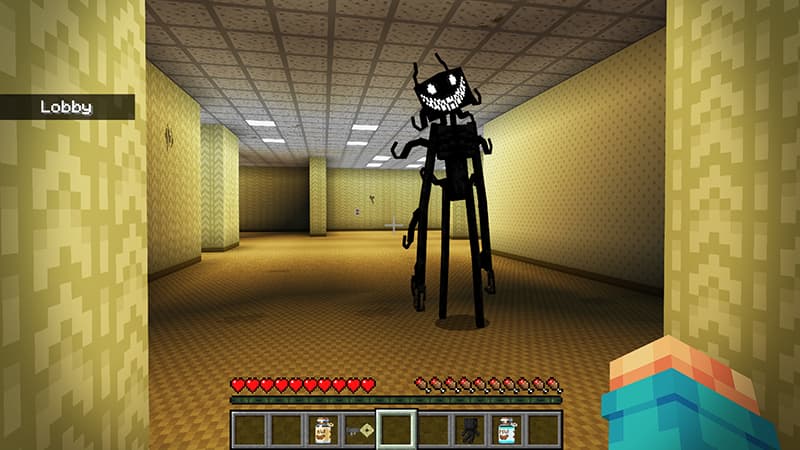
Best Minecraft Horror Maps on the Marketplace
Looking for a good scare in Minecraft? We ranked the best horror maps and add-ons on the Bedrock Marketplace by real player engagement — from Backrooms mazes to haunted houses and terrifying mob add-ons. Play with the lights off.
Jul 20, 2026
Best Free Minecraft Marketplace Packs Worth Downloading
You don't have to spend a single Minecoin to get great Minecraft content. We rounded up the best free packs on the Bedrock Marketplace — top-rated add-ons, worlds, and skin packs — all backed by real player ratings from the full catalog.
Jul 20, 2026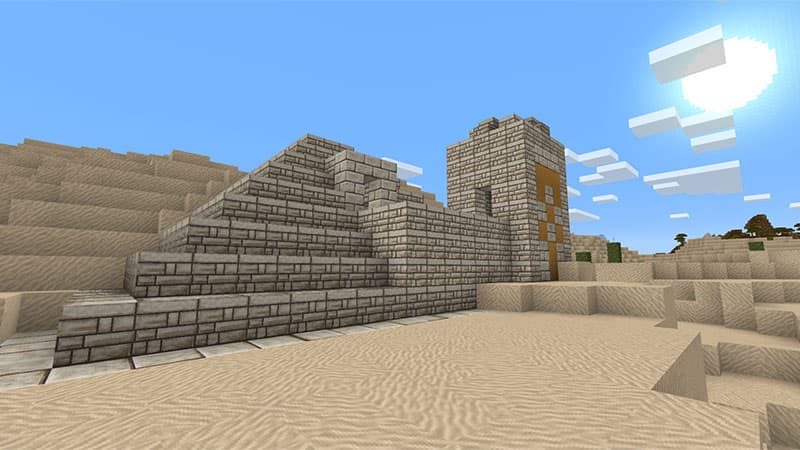
The Most Popular Minecraft Marketplace Packs of All Time
Which Minecraft Marketplace packs have players actually bought and rated the most? We ranked the entire catalog by community engagement to find the all-time greats — the worlds, add-ons, and skins that defined Bedrock. A surprising number of them are free.
Jul 20, 2026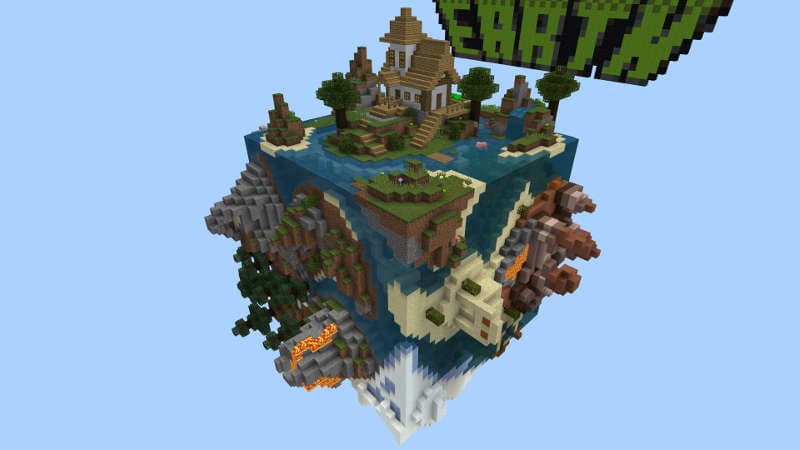
Best Packs for Survival Players
The best Minecraft Marketplace packs for survival players — world templates with unique biomes and challenges, resource packs that make survival look better, and behavior packs that add new mobs, tools, and mechanics. Real ratings and screenshots from the full catalog.
Feb 26, 2026