
Creative House & Base Ideas for Minecraft
Every Minecraft player eventually stares at an empty plot and wonders what to build. You know you want something better than a dirt hut, but the gap between "I should build a cool house" and actually pulling it off is enormous. Building in Minecraft is half creativity and half knowing the right techniques — which blocks create depth on facades, how to proportion rooflines, where to put windows so they don't look like a prison.
This guide covers real building ideas across every style — from starter survival shelters to elaborate medieval castles to sleek modern architecture. For each category, we've pulled the best-rated world templates and mashup packs from the Minecraft Marketplace (9,901 world templates and 83 mashups in our catalog) so you can see exactly how experienced builders handle these designs. Even if you don't buy any packs, studying their screenshots is free inspiration.
The Minecraft Wiki's shelter tutorial covers the survival basics. This article goes further — we're looking at what separates forgettable builds from ones that make you stop and screenshot.
Starter Houses That Actually Look Good
The mistake most players make with starter houses: they build a box and add a door. It works functionally, but it's depressing to look at every time you respawn. A good starter house takes about the same resources but uses a few tricks that transform it.
The L-shape. Instead of a rectangle, make two rectangles offset from each other. This immediately creates visual interest, gives you a covered entryway, and naturally divides interior space into sleeping/crafting areas. Total extra blocks: maybe 20.
Roof overhangs. Extend your roof one block past the walls on every side. Use stairs for the roof edge instead of full blocks. This single change makes any house look 3x better because it creates shadow lines and depth. Oak stairs on a spruce frame is a classic combination that never looks wrong.
Mixed materials. Cobblestone base (1-2 blocks high), wood plank walls, log corner pillars. This is the "Minecraft cottage" formula because it works at every skill level. The key is three distinct materials — base, walls, and accents. Stone, wood, and glass at minimum.
The Marketplace has thousands of world templates that demonstrate these principles. Here are some of the highest-rated ones that showcase excellent building fundamentals:
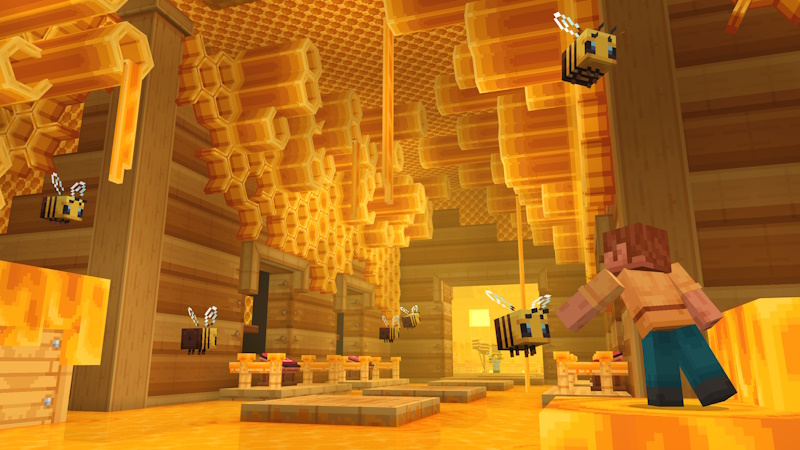
15 Year Journey
by Minecraft · 4.9/5 (167,027 ratings) · Free
It’s time for a (literal) trip down memory lane! A lot has happened in these 15 years, so we’ve packed some of our most nostalgic moments, marvelous dimensions, and accidental proudest inventions f...
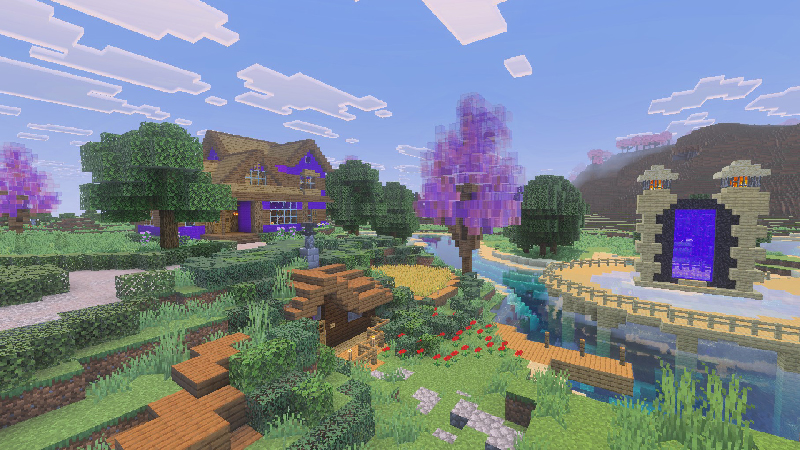
Aphmau's Pink Tree
by CatFace · 4.9/5 (874 ratings) · 830 Minecoins
Step into Aphmau’s world with this immersive map! Explore a vibrant hub crowned by a giant pink tree and visit the 12 houses of Aphmau and her friends! Perfect for roleplay, group adventures, or ju...
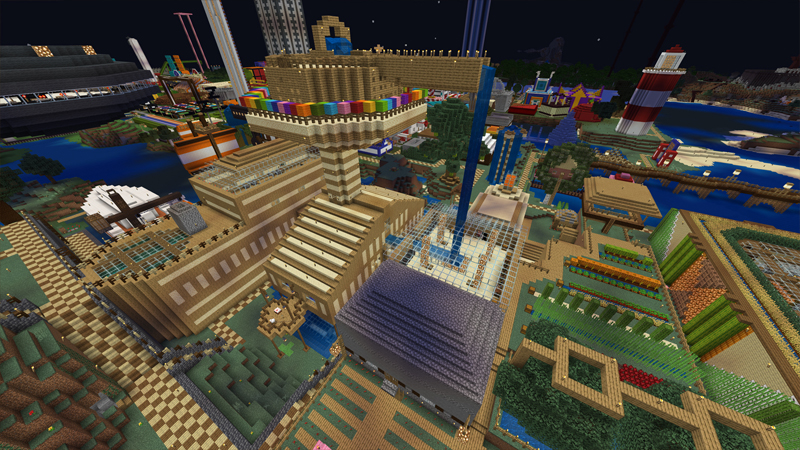
Stampy’s Lovely World
by 4J Studios · 4.9/5 (9,360 ratings) · 990 Minecoins
The official map of Stampy’s Lovely World. A place that was built over ten years and has been seen by millions. Explore the town, play in the funland and experience the places where countless sto...
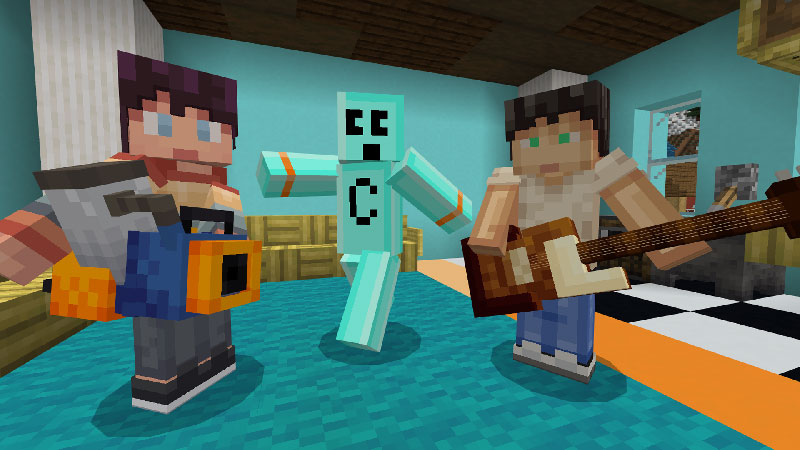
Craftee Weapons
by Logdotzip · 4.9/5 (3,677 ratings) · 990 Minecoins
Craftee’s home has been invaded and only you can help defend it! Burn monsters with the Flamethrower, flatten them with the Squash Mallet or even smash them with a guitar! Can you craft all the hil...
Medieval Castles & Fantasy Builds
Medieval is the most popular building style in Minecraft for a reason — the vanilla block palette was practically designed for it. Stone bricks, mossy cobblestone, dark oak, and spruce all look like they belong in a fantasy kingdom. You don't need shaders or texture packs to make medieval builds look authentic.
The common mistake with castles: building them too small. A real castle wall should be at least 4-5 blocks thick with walkways on top. Towers need to be taller than the walls — a 2:1 height ratio for tower-to-wall looks right. And crenellations (the zigzag pattern on top of castle walls) use alternating full blocks and air, not slabs.
Interior matters as much as exterior. Empty castle halls feel wrong even in a game. Add banners, armor stands, item frames with maps, cauldrons as decoration, and carpet runners. A great hall needs a long table (fence posts with pressure plates), a fireplace (netherrack behind iron bars), and windows with colored glass panes.
The Marketplace has some incredible medieval builds to study. These templates let you walk through professionally-built castles and villages to understand scale and detailing:
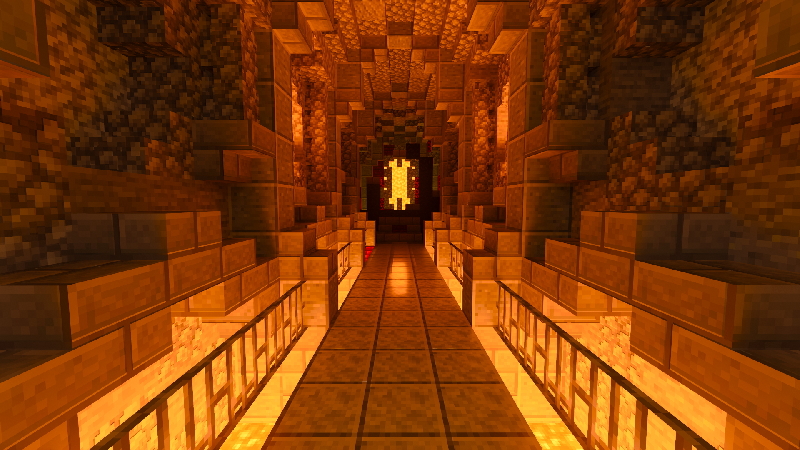
Medieval RTX
by Nvidia · 4.6/5 (3,706 ratings) · Free
This pack enables ray tracing, including realistic lighting effects and textures. Visit http://redsto.ne/ray-tracing for min requirements By: Aurelien Sama The sun shines on an idyllic mediev...
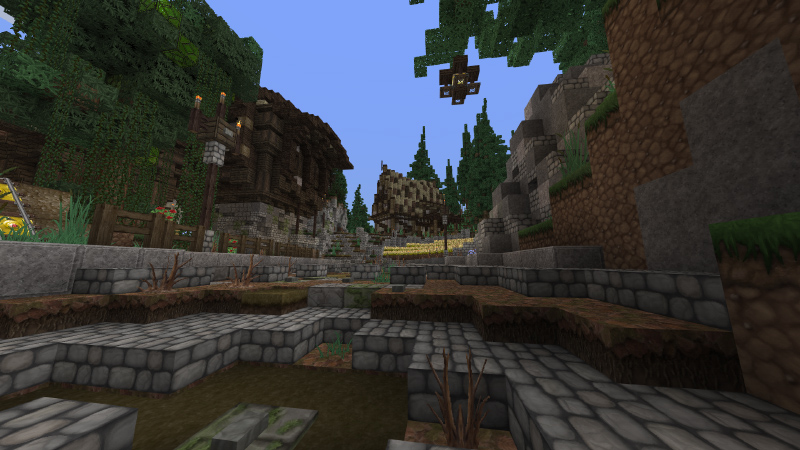
Chroma Hills Medieval Village
by Syclone Studios · 4.3/5 (1,831 ratings) · 990 Minecoins
All great journeys begin at the beginning! Begin yours from this humble medieval village in the woods. Play in one of 3 modes: vanilla survival, role play, or questing! + Includes 10 medieval sk...
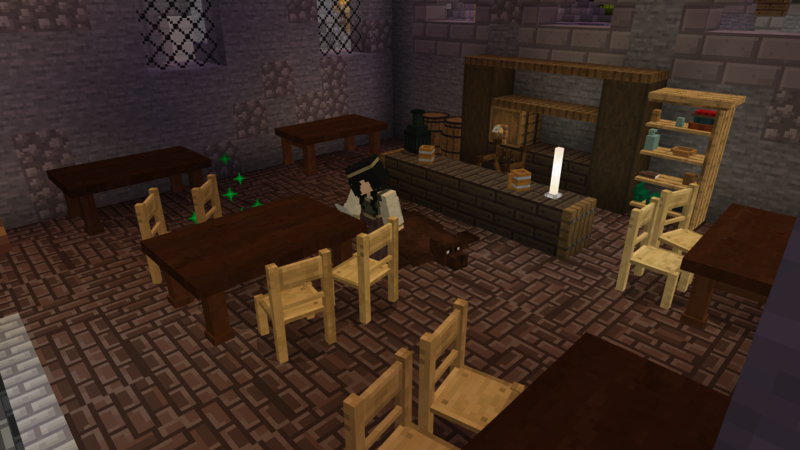
Medieval Furniture
by Shapescape · 3.4/5 (1,271 ratings) · 830 Minecoins
Decorate your castle and its kingdom with over 65 custom furniture pieces! Place catapults on the castle walls, renovate the pub and create stunning interiors! + 68 NEW models + A complete old cit...
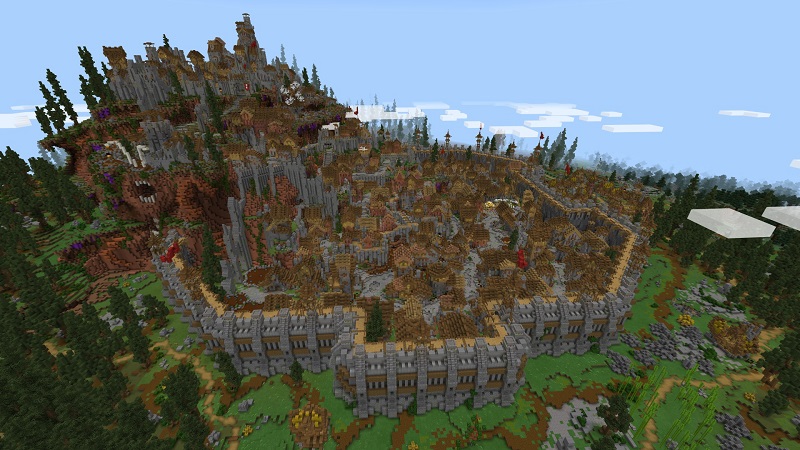
Medieval City Adventure
by MrAniman2 · 4.5/5 (417 ratings) · 830 Minecoins
In this adventure you will have to find secret rooms, open gates, parkour, fight unseen mobs and take back the city from the monsters! Can you reach the top level and find out who leads all the mon...
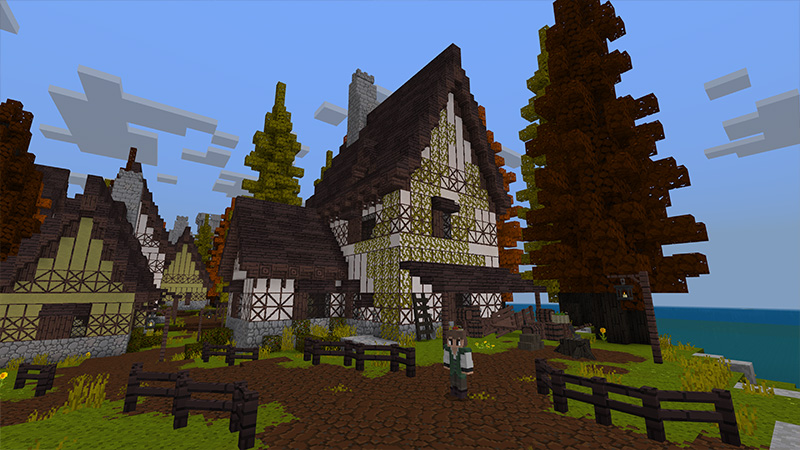
Medieval Furniture
by Octovon · 1.7/5 (322 ratings) · 660 Minecoins
Welcome to Medieval Furniture! Decorate your castle and surrounding city with 165 different medieval furniture variations! + 165 furniture options + Medieval town & castle + Customizable furnitu...
Modern & Contemporary Architecture
Modern builds are the hardest style to pull off in Minecraft. The game's block-based nature fights against the clean lines, large glass panels, and smooth surfaces that define modern architecture. But when someone nails it, the results are striking.
The material problem. Modern architecture relies on concrete, quartz, and glass — lots of glass. White concrete and quartz blocks for walls, gray concrete for accents, and glass panes (not blocks) for windows. The trick is that modern buildings use very few materials but in large, unbroken surfaces. Where medieval hides mistakes in texture variety, modern exposes every misaligned block.
Flat roofs and cantilevers. Modern houses almost always have flat roofs (use slabs on top of walls). The signature move is a cantilevered section — a room that extends out over empty space, supported by nothing visible. In Minecraft, you can cheat physics here, which actually works in your favor. A bedroom hanging over a pool is peak modern Minecraft.
Landscaping is half the build. Modern houses look wrong without the surrounding environment. Add a pool (light blue stained glass bottom looks better than water alone), pathways (smooth stone slabs), hedges (leaf blocks), and ambient lighting (sea lanterns behind trapdoors). The exterior space around a modern build should feel as designed as the interior.
These Marketplace templates showcase modern architecture at its best — study the proportions and material choices:
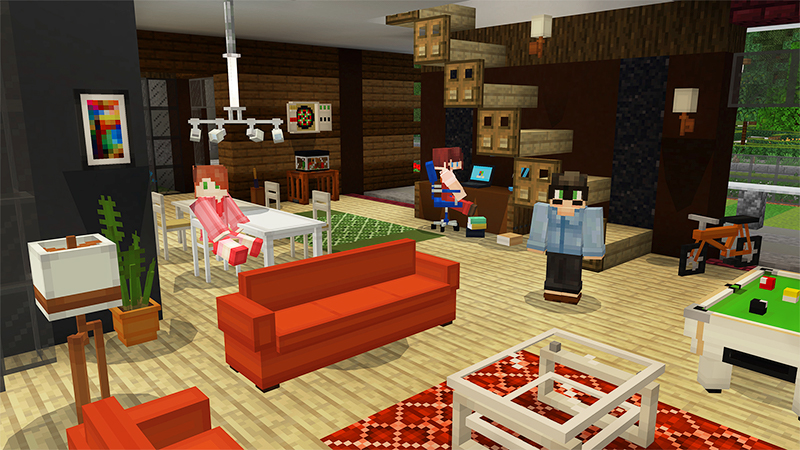
Furniture: Modern
by Spark Universe · 3.9/5 (61,052 ratings) · 990 Minecoins
+ 350 Furniture Options + 5 Furniture Color Variants + Advanced Furniture Tools
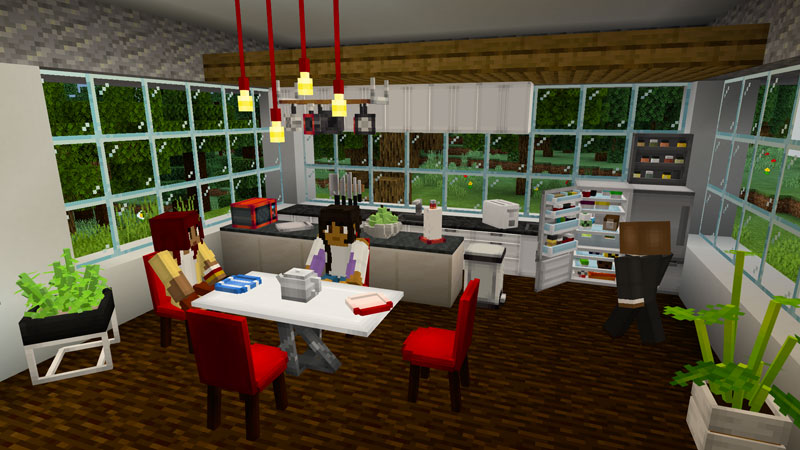
Modern Furniture
by Everbloom Games · 4.0/5 (39,837 ratings) · 990 Minecoins
Become the best modern interior decorator! Decorate to unlock new furniture, houses, and even vehicles! With over 90 new furniture pieces, this is the ultimate interior decorating experience in Min...
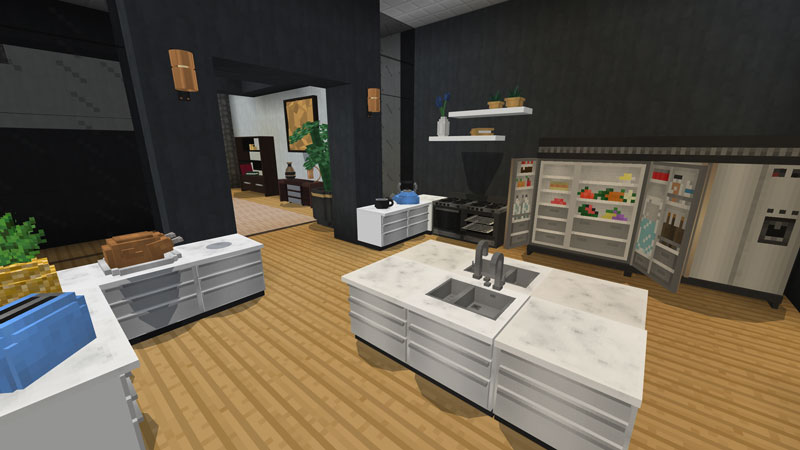
Deluxe Furniture: Modern
by Blockception · 4.4/5 (22,016 ratings) · 990 Minecoins
Make a modern mansion your new home! Pick from a range of vehicles such as cars, boats, planes, a helicopter and even a submarine. Decorate your house with over 1200 different furniture choices! Le...
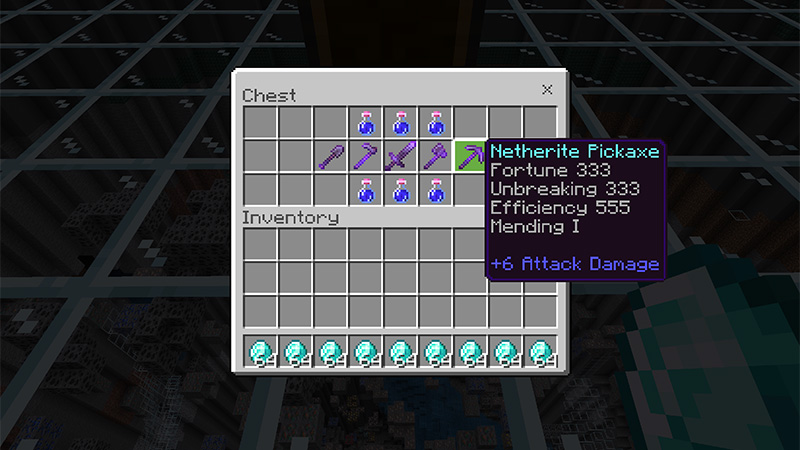
Modern X-ray
by Mine-North · 2.1/5 (10,480 ratings) · 310 Minecoins
Ores are visible underground! The X-ray tool allows you to see through the obstacles and easily find diamonds, gold, iron, redstone, coal, caves, spawner, and more. Additionally, this includes hack...
Survival Bases — Function Meets Style
Survival bases have constraints that creative builds don't: you need storage, farms, enchanting areas, smelting, and defensibility against mobs. The challenge is fitting all of that into something that doesn't look like a sprawling mess of chests and furnaces.
The hub-and-spoke layout. Build a central room with your most-used stations (crafting table, ender chest, bed) and branch out in different directions for different functions. A corridor north leads to storage, east leads to the farm, south to the enchanting room. This keeps everything accessible without cramming it into one room. Label corridors with item frames.
Underground bases are underrated. Digging into a hillside or going fully underground solves the mob problem entirely and gives you unlimited expansion space. The trick to underground bases: use different ceiling heights for different rooms (2-3 blocks for corridors, 4-5 for main rooms), add skylights where possible (glass columns to the surface), and mix in glowstone or shroomlights so it doesn't feel like a mine.
The farm integration problem. Automatic farms are ugly. Sugar cane, cactus, and crop farms generate noise and visual clutter. The solution: build farms below or behind your main living space, connected by water streams or hoppers. The front of your base should be living space, not industrial.
Villages, Cities & Mansion Builds
Once you've mastered single buildings, the next challenge is building multiple structures that feel like they belong together. A village or city needs visual cohesion — buildings that share materials, roof styles, and proportions even when they serve different purposes.
Pick a palette and stick to it. A medieval village uses stone and dark oak throughout. A desert town uses sandstone and terracotta. A modern city uses concrete and glass. When every building shares 2-3 core materials, the whole settlement feels intentional rather than random.
Vary the rooflines. The biggest mistake in building settlements: every building has the same roof height and pitch. Mix steep roofs (churches, town halls) with shallow roofs (shops, stables), different heights (tall center building, shorter surrounding ones), and different shapes (peaked, hip, flat sections). This creates a natural-looking skyline.
Add infrastructure. Paths, bridges, market stalls, wells, street lamps, fences, gardens — the space between buildings matters as much as the buildings themselves. A village without paths is just a collection of houses. Cobblestone paths with grass growing through (path blocks mixed with coarse dirt) look more natural than uniform surfaces.
The Marketplace has impressive village and city builds to explore — these are useful for understanding scale and urban planning in Minecraft:
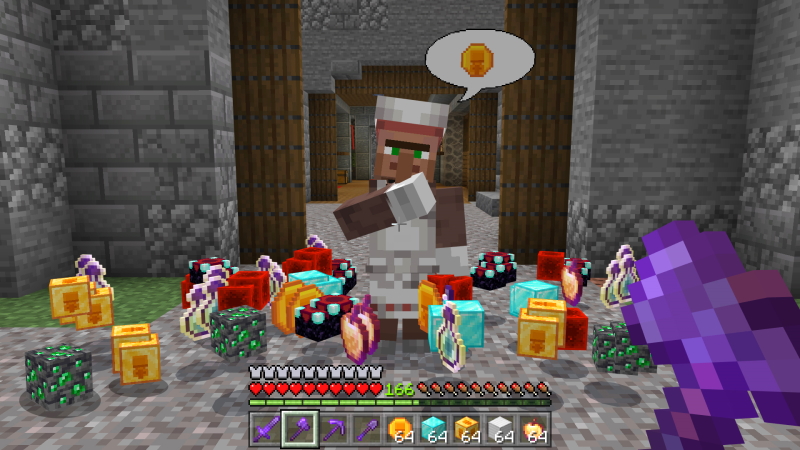
OP Villagers Expansion
by The Craft Stars · 4.6/5 (5,218 ratings) · 660 Minecoins
Want to become the most OP player in the world? You came to the right place. This is no ordinary map, no, no, no. This is the home of the most overpowered villagers in existence. Trade with the vil...
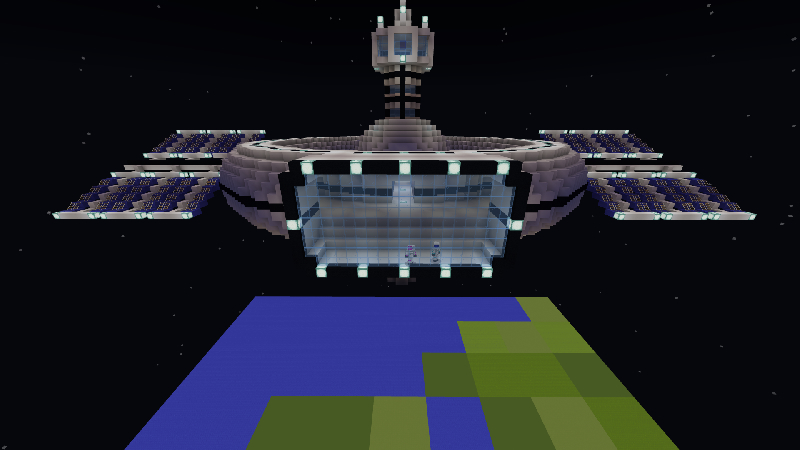
Villager Space Agency
by King Cube · 3.9/5 (3,834 ratings) · 160 Minecoins
Do you love space? Dr. Zee Cray is the lead scientist of Villager Space Agency and needs brave astronauts like you! Find the materials to build a crazy cool rocket and travel through the stars toda...
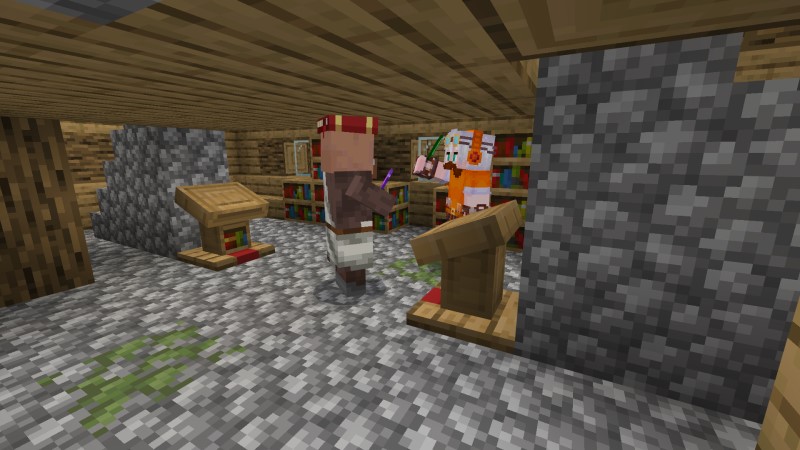
Mega Village
by Lifeboat · 4.7/5 (3,044 ratings) · 310 Minecoins
Live in a true villager paradise! Embark on a great journey as you explore the entirety of a massive village and gain enormous amounts of loot. Live among them or become their mayor and expand the ...
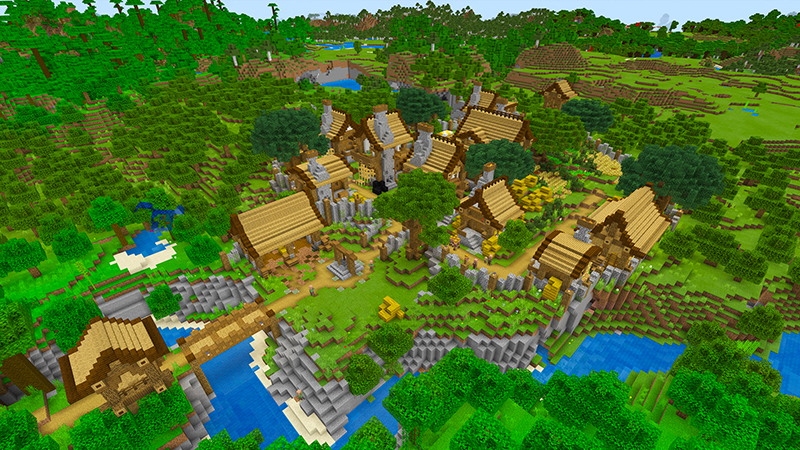
Better Villages
by Razzleberries · 3.5/5 (2,262 ratings) · 310 Minecoins
Choose between developing a basic village or make the more advanced village your own! Fix up the houses and buildings into large, impressive structures! Create better villages! + Rewarding su...
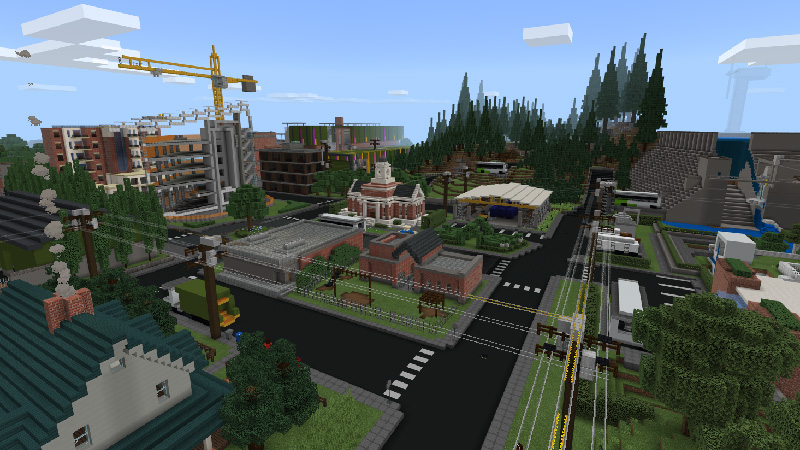
Sustainability City
by Minecraft · 4.4/5 (135,123 ratings) · Free
Explore a sustainable neighborhood in Minecraft! Investigate sustainable water treatment, responsible forestry, clean power generation, energy efficiency, waste disposal, and recycling. Visit each ...
Mashup Packs — Complete Themed Worlds
If you want to see how professional Minecraft builders handle large-scale projects, mashup packs are the best reference material on the Marketplace. Each one is a complete themed world with custom textures, skins, and builds — think of them as a total conversion that reimagines Minecraft's look and feel around a single theme.
Mashup packs are particularly useful for building inspiration because they include custom texture packs that show how different block palettes change the entire vibe of builds. A Greek mythology mashup might turn stone bricks into marble columns. A steampunk mashup converts iron blocks into brass machinery. Seeing the same block shapes with different textures helps you understand how material choice affects design.
Here are the most popular mashup packs by player ratings — each one is a masterclass in themed building:
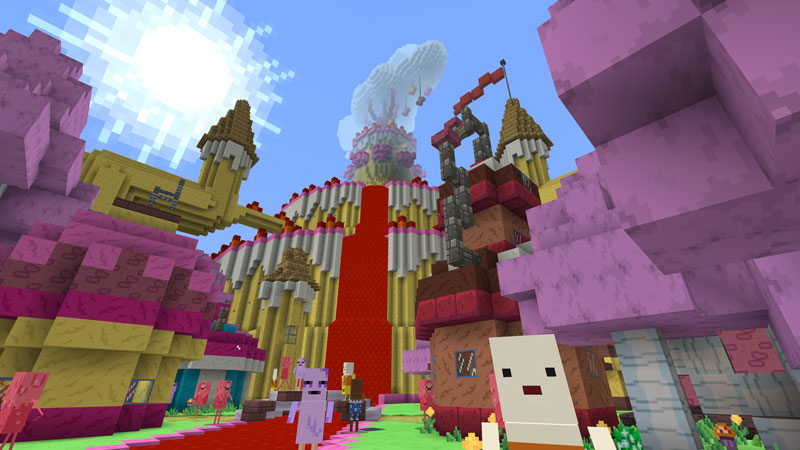
Adventure Time Mash-up
by Minecraft · 4.7/5 (86,130 ratings) · 990 Minecoins
Adventure Time, c'mon grab your tools, we're going to a very blocky world. With Jake the Dog and Finn the Human, and a bundle of their friends, it's Adventure Time... Mash-up! Featured in this pack...
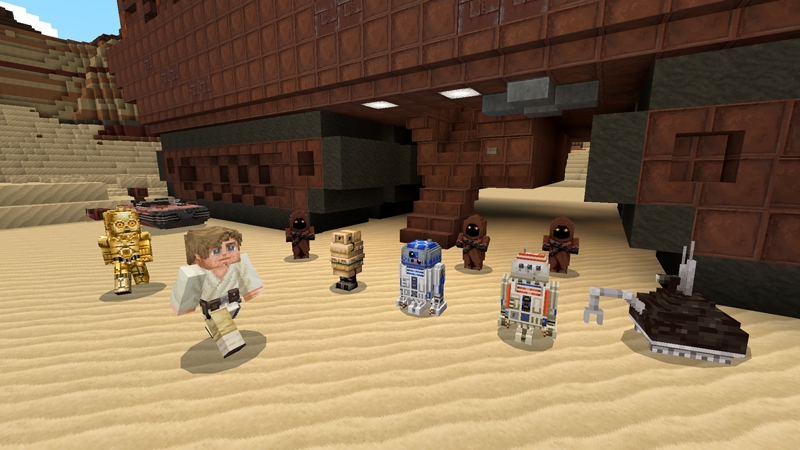
STAR WARS
by Minecraft · 4.7/5 (81,023 ratings) · 1,340 Minecoins
Explore the galaxy in this epic STAR WARS Mash-up, featuring characters and locations from the original trilogy and The Mandalorian series. This is the way!
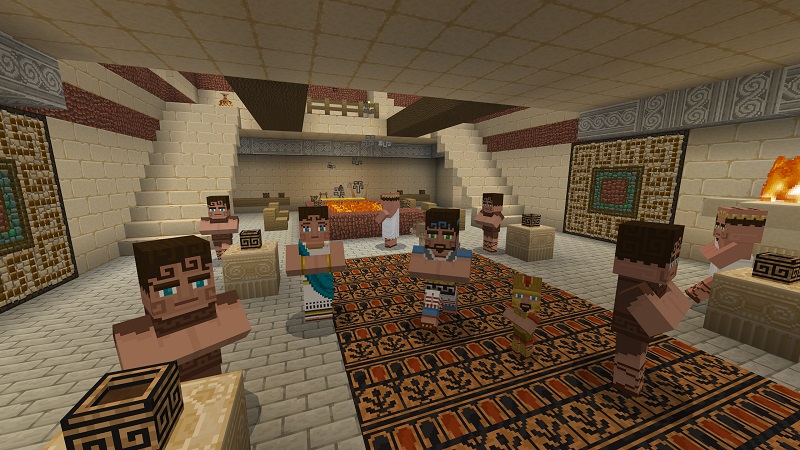
Greek Mythology Mash-up
by Minecraft · 4.4/5 (63,851 ratings) · 990 Minecoins
Build a pantheon fit for the gods, trap the Minotaur in an elaborate maze, or set sail for adventures across the sea. The world is your square oyster!
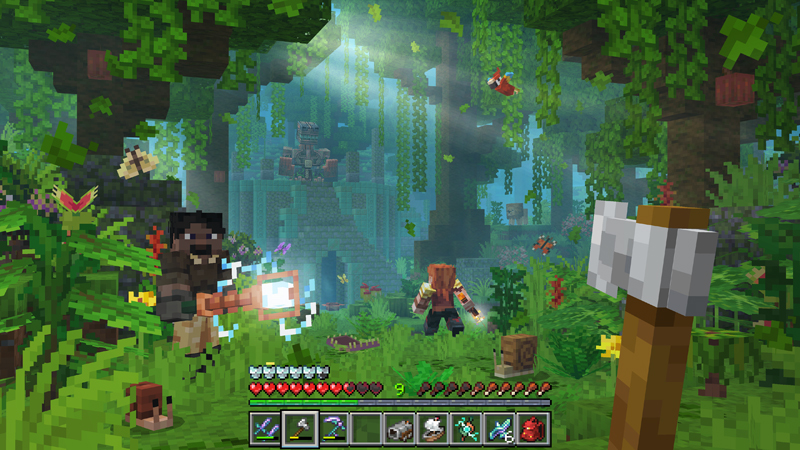
RealismCraft 2.3
by Spark Universe · 4.6/5 (56,335 ratings) · 1,690 Minecoins
Experience a new game with Realism Craft: Custom vibrant visuals, world-gen, new mobs, items & blocks. + Custom biomes & structures + Custom animations & sounds + Vibrant Visuals, VFX, dynamic...
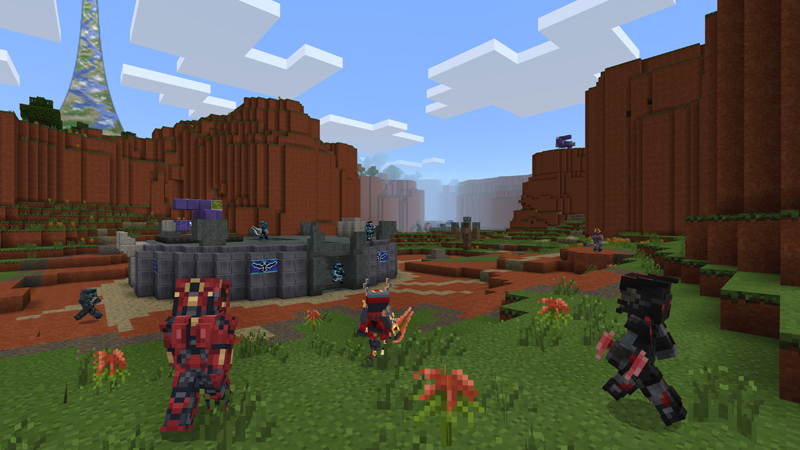
Master Chief Mash-up
by Minecraft · 4.7/5 (41,541 ratings) · 990 Minecoins
Welcome to the Minecraft Master Chief Mash-up, which includes 50+ Skins, bespoke Texture set, themed UI, original soundtrack and an amazing world filled with iconic locations to explore.
Building Tips That Actually Matter
After looking at hundreds of Marketplace builds, a few patterns emerge that separate good builds from great ones:
- Depth on every surface. No flat walls. Use stairs, slabs, trapdoors, and buttons to create texture. A wall should have at least two depth layers — the base wall and decorative elements that sit in front of or behind it. This is the single most impactful technique.
- Odd numbers for symmetry. Build facades in odd widths (5, 7, 9 blocks). This gives you a natural center point for doors and windows. Even-width builds force awkward double-door or off-center placements.
- Don't match the biome — contrast it. A spruce cabin looks good in any biome except a taiga (where it blends in). Dark builds pop in deserts. Light builds stand out in dark forests. Contrast makes your build visible and interesting.
- Interior lighting without torches everywhere. Use hidden lighting: glowstone under carpet, sea lanterns behind paintings, shroomlights behind leaf blocks. Torches on every wall is survival-functional but aesthetically lazy. Plan your lighting as part of the design, not an afterthought.
- Screenshot test. Walk 50 blocks away and look at your build. If the silhouette is interesting from a distance, the close-up details will carry it. If the silhouette is a box, no amount of detail work will save it. Start with an interesting shape, then add details.
Using the Marketplace for Building Inspiration
You don't have to buy every world template to learn from it. The Marketplace screenshots on MinecraftPal show exactly what each build looks like, and you can browse 9,901 world templates to study different approaches.
A few ways to use Marketplace content for learning:
- Study the screenshots. Every world template on our world template listings has multiple screenshots showing the build from different angles. You can learn block palettes, proportions, and design techniques without spending a Minecoin.
- Check the ratings. Items with high ratings (4.5+ with hundreds of reviews) represent builds that players actually enjoy exploring. Low-rated builds often have cool exteriors but empty or boring interiors — the ratings tell you which builders followed through on the whole package.
- Browse by tags and creators. Once you find a builder whose style you like, check their other work. Top Marketplace creators often specialize in a particular building style and consistently produce quality builds.
For free building resources outside the Marketplace, Planet Minecraft has millions of user-submitted builds with downloadable schematics. It's the largest Minecraft building community and an endless source of ideas.
Start Building
The best Minecraft builders didn't start with castles. They started with the same dirt-and-wood rectangles everyone does, then gradually learned what makes builds look good: depth, material variety, interesting silhouettes, and spaces that feel lived-in rather than empty.
Pick one idea from this guide — a starter house with an L-shape and roof overhang, a small castle tower, a modern pool house — and build it. Then build it again better. That's the actual process. Every impressive Minecraft build you've ever seen was preceded by dozens of mediocre attempts by the same builder.
If you want to accelerate the learning curve, explore the world templates on MinecraftPal's Marketplace and walk through builds made by professionals. Browse our article library for more guides, or check out specific content tags to find exactly the building style you're after.
Related Articles
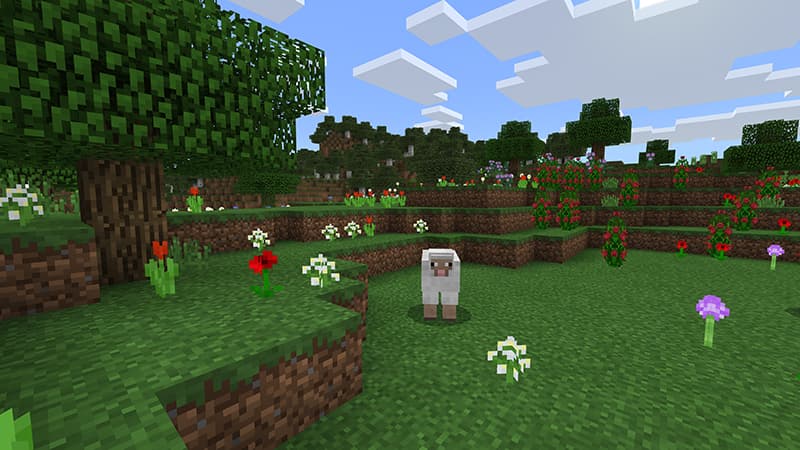
Best Packs for Creative Builders
The best Minecraft Marketplace packs for creative builders — resource packs with stunning textures, world templates loaded with pre-built inspiration, mashup packs with themed block sets, and add-ons that give you new building tools. Real ratings and screenshots from the full catalog.
Feb 26, 2026
Best Minecraft Seeds & Map Ideas
A guide to the best Minecraft world templates on the Marketplace — top-rated survival maps, adventure worlds, themed builds, and how seeds actually work in Bedrock Edition.
Feb 18, 2026